
How to Adjust the Temperature on an Infrared Portable Heater

A desk worker leans toward the glowing orange elements, rubbing cold hands while staring at a blank dial with no numbers on it. Dialing in the right comfort level means turning an unnumbered dial backward until it softly clicks, or selecting your target degree on a digital display. On basic models with simple switches, adjusting the heat means toggling the power level and moving your chair.
How you manage the warmth changes based on your control type, room drafts, and how close you sit to the unit. Because infrared warms your body directly like sunshine instead of heating the air, shifting your chair back a foot often cools you down faster than adjusting a dial. Cold drafts can also fool the internal thermostat into running continuously. Here is how to set every type of control correctly so you stay cozy without scorching your skin or tripping a breaker.
Identify Your Heater Control Setup
Infrared heaters work differently from traditional space heaters that blow hot air across a room. Instead of heating the air directly, an infrared heater produces gentle heat that warms people and furniture directly like sunlight. When you step into a beam of sunlight through a window, your skin and clothes feel warm even if the room air feels cool. Portable infrared heaters operate on that same principle. Because radiant waves warm solid objects rather than empty space, adjusting your heater requires a different approach than setting a central wall thermostat.
Before touching any controls, look at the panel on your unit to see what control type it uses:
- Switch-only models: Basic heaters offer only fixed power switches, such as Low (usually 750 watts) and High (typically 1500 watts), with no thermostat. You regulate your warmth by switching power levels and changing your physical distance from the front grille.
- Manual turn dials: Many classic heaters feature an uncalibrated dial with a curved line or Min and Max labels, but no degree markings. Behind this dial sits a mechanical sensor strip that bends under heat and clicks on and off to maintain warmth.
- Digital screens and remotes: Modern models include an LED screen and push buttons. These let you select an exact degree target, such as 68°F or 72°F.
A common mistake is confusing electric heat settings with temperature control. The heat setting or wattage determines how much power the heating element draws at any second. The thermostat determines when the appliance cuts power after reaching your desired warmth. Running a heater on High does not raise the shutoff temperature; it simply pulls maximum electricity until the thermostat or safety sensor intervenes.
Setting an Unnumbered Manual Dial with the Click Method
If your heater features a smooth turning dial without numbers, finding a comfortable balance does not require guessing where 70°F sits. You can establish your exact comfort level using a reliable technique called the click method.
Inside the turn dial is a small temperature-sensitive metal spring. As the air entering the heater casing warms up, this metal strip expands and bends. When the strip reaches a certain warmth, it physically disconnects an electrical contact with a faint clicking sound, cutting power to the heating elements. When the surrounding air cools down, the strip contracts, snaps back against the contact with another click, and restarts the heat.
Follow these steps to calibrate the mechanical switch to your comfort level:
- Select your base power level. If you sit close to the heater at a desk, set the power switch to Low (usually 750 watts). If you need to warm a larger, colder room, switch it to High (usually 1500 watts).
- Rotate the smooth thermostat dial all the way clockwise to the highest setting, marked Max or shown by the thickest end of the curved line. This keeps the heating elements on so your room can warm up without cutting out early.
- Sit in your usual spot and let the heater run. Focus on how you feel rather than checking a wall thermometer. It usually takes fifteen to twenty minutes for radiant warmth to soak into your clothes and furniture.
- The moment your seating area feels warm and comfortable, walk over to the heater. Slowly turn the thermostat dial counterclockwise toward Min.
- Listen carefully for a soft mechanical click. The moment you hear that click, stop turning immediately. The indicator light will change or the heating elements will dim.
- Leave the dial resting right there. You have locked in your personal comfort setting.
Once set, the heater will manage itself. When the temperature drops slightly, the internal strip will cool down and click the heating elements back on. If the room feels slightly too cool before the unit restarts, turn the dial clockwise by the thickness of a coin. If it gets too warm, nudge it counterclockwise by that same tiny fraction.
Adjusting Digital Screens and Remote Thermostats
Digital infrared heaters take out the guesswork by displaying an exact degree reading on an LED screen. While pressing a button is simple, digital models introduce a few unique behaviors that often confuse users.
To set your digital controls for steady warmth, follow these steps:
- Turn on the power switch and press the mode button to choose your wattage level. A Low heat setting of 750 or 900 watts provides steady, gentle warmth that avoids sudden heat spikes. High power (1500 watts) helps when first taking the chill off a cold room.
- Use the plus (+) and minus (-) buttons on the control panel or remote to choose your target degree. A setting between 68°F and 72°F works best for standard indoor living spaces.
- Allow the heater to run undisturbed for ten to fifteen minutes. Avoid standing directly beside the unit, because your body heat can warm the air around the sensor and distort the reading.
- Check your comfort after the heater completes its initial cycle. If the room feels comfortable, let the digital display manage the cycles on its own.
A common issue with digital heaters is that the screen shows the target temperature has been reached while you still feel chilly. This happens because the sensor sits inside the lower casing or near the rear intake grille. As the unit runs, internal housing warmth bleeds over to the sensor, making it register 71°F even though a draft across the room remains at 64°F.
If you are heating a challenging room with significant drafts, you can see how an electric heater for garage with thermostat setup manages harsh air drops. For typical indoor living spaces, the easiest fix is setting your digital thermostat two to four degrees higher than your actual comfort goal. If you want your seating zone to feel like 70°F, set the readout to 73°F or 74°F. This allows the appliance to keep radiating heat until your actual living space catches up with the localized warmth inside the heater casing.
Managing Distance and Safe Operating Practices
Because an infrared heater warms through direct radiant beams, physical distance serves as your most effective secondary temperature control. You can dramatically alter how warm you feel without ever touching a button or twisting a dial. If you sit too close, the direct infrared energy will feel intense and can quickly overheat your skin, even if the surrounding room air stays cool.
Think of an infrared heater like sitting near an open campfire. When you sit right next to the logs, the heat on your face feels blistering. If you back up several feet, the radiant warmth softens into a steady, comfortable glow. For daily desk work or relaxing on a couch, position your portable infrared heater between 4 and 6 feet away from your body, pointing the front grille straight toward your torso or legs.
Line of sight is vital. Infrared light waves travel in straight lines, warming whatever solid surface they strike first. If an open desk drawer, a solid coffee table, or a stack of storage bins sits between you and the heater, that object will absorb all the warmth. Keep an unobstructed path between the front grille and your body. This direct beam effect also makes radiant heating practical in drafty environments where regular fan heaters struggle, which is why people often choose a radiant heater for an enclosed porch to stay warm despite air leaks.
Setting your temperature properly also requires following vital electrical and fire safety rules:
- Maintain the 3-foot safety buffer: Leave at least 3 feet (36 inches) of open space around the unit, especially the front grille. Keep blankets, curtains, clothes, furniture, paper, and pets outside this clear zone.
- Plug directly into a dedicated wall outlet: Never use an extension cord, power strip, or surge protector. A 1500-watt heater draws about 12.5 amps on a standard 120-volt household circuit, which can overheat a power strip and melt its casing.
- Select lower power settings when sharing circuits: Household rooms typically run on a 15-amp circuit breaker. A heater on High draws 12.5 amps alone. If you run a computer or television on that same circuit branch, you will trip the breaker. Switch the heater to Low (750 watts) when sharing the circuit.
- Position on a firm, level floor: Always place the unit on a flat, solid floor. Thick carpet can prevent the tip-over safety switch on the bottom from depressing completely, causing the unit to shut off unexpectedly.
- Check the wall outlet for warmth: After running the unit for thirty minutes, touch the outlet faceplate. If the plate or plug feels hot, turn off the heater, unplug it, and have a licensed electrician check your wiring.
If you run your heater on a set temperature overnight, confirm that the unit features an automatic overheat sensor and a certified tip-over switch. Set the thermostat to a modest level, such as 65°F, and keep the unit several feet clear of your bedding.
Frequently Asked Questions
Why does my infrared heater feel burning hot even when set to low?
Infrared heat warms your skin directly through radiant light waves rather than warming the room air first. If you sit too close, the direct energy feels intense even on a lower wattage setting. Move the heater back until it sits 4 to 6 feet away from your chair to soften the warmth across your whole body.
What is the difference between switching wattage and setting a thermostat?
Switching wattage changes the rate of electricity your heater consumes, typically offering a choice between 750 watts on Low and 1500 watts on High. The thermostat acts as an automatic switch that measures surrounding warmth and cuts electrical power once your chosen temperature is reached. Wattage dictates how quickly the elements generate heat, while the thermostat dictates how often the unit cycles on and off.
How do I set a heat dial that has no numbers on it?
Turn the power switch on and rotate the unnumbered dial all the way to its maximum setting. Let the heater run until your personal seating area reaches your exact comfort level. Then, turn the knob slowly backward toward the minimum mark until you hear a soft mechanical click, and stop turning immediately. The heater will now cycle automatically to preserve that specific level of warmth.
Related guides: how to adjust the temperature on an oil portable heater.


Top 12 best white electric fireplace 2026

Best Clear Ski Goggles Men 2026 For Sharp Vision On Slopes
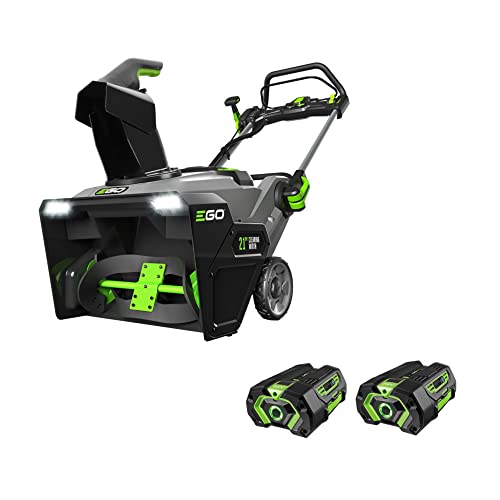
Top Best Cordless Electric Snowblower 2026 - (Latest)

Best Warm Winter Scarves 2026 For Cozy Comfort

Best Green Ski Goggles 2026 For Clear Vision On Slopes
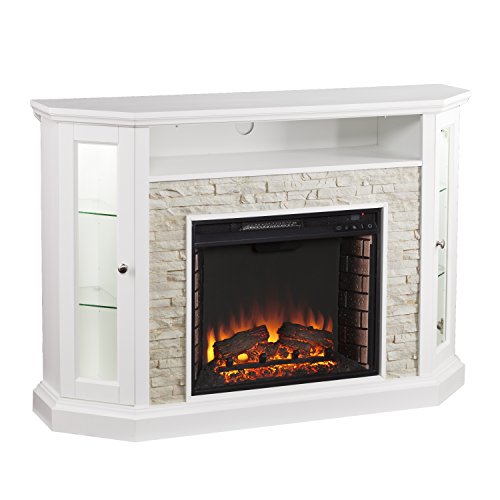
12 Best Corner Electric Fireplace 2026: My Ultimate Guide To Pick One

Best Battery Powered Snow Blower 2026 For Effortless Snow Clearing
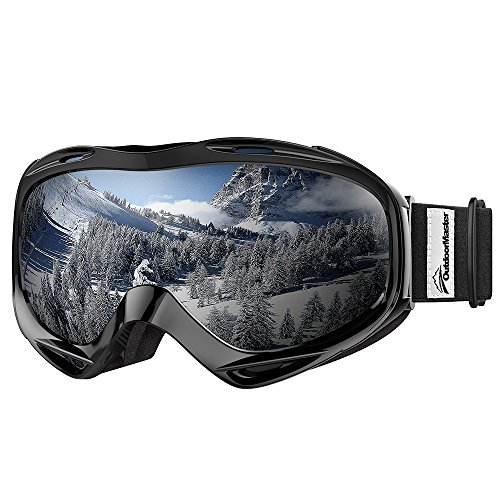
Best Ski Goggles Under 30 Inches For Crisp Vision And Comfort