
How to Fix a Programming Issue on Your Heater

Cold air fills the living room while a glowing digital screen sits completely frozen, ignoring every tap on the control panel. Most electronic control glitches clear up with a hard power reset: turn off the heater, unplug it from the wall for twenty minutes to clear the memory, and plug it directly back into the outlet.
The exact fix depends on what caused the panel to lock up in the first place. An accidental child lock or an active energy-saving mode often overrides your target heat, while a tilted base or a dusty air vent can trip an internal safety switch that freezes the controls. Walking through a few basic checks will unlock the buttons and restore normal heating in minutes.
Performing a Hard Power Reset to Clear Stored Memory Glitches
Electric heaters with digital displays rely on a control board (the small internal computer that reads buttons and runs settings). When you press buttons too quickly, or when the electrical current in your home dips slightly, this tiny chip can lock into an error loop. The screen freezes on a single number, buttons stop beeping, and the heater ignores your commands.
Simply pressing the power button will not clear this freeze. Modern heaters maintain standby power to remember your settings and keep internal clocks running. Tiny components called capacitors store electricity inside the unit for several minutes after it is turned off. As long as those components hold power, the computer chip remembers the glitch. You must drain that electricity completely to give the heater a clean slate.
Follow these steps to perform a hard reset (fully unplugging power to clear electronic memory):
- Turn the heater off using the main power button, then flip the master switch on the back or base if your unit has one.
- Pull the power cord straight out of the wall outlet. Do not just turn off a power strip switch; disconnect the prongs completely from the wall.
- Leave the heater unplugged for at least 15 to 20 minutes. This waiting period allows all residual electrical current to bleed out of the circuit board so its memory wipes clean.
- Check the plug prongs and the wall outlet for discoloration or warmth while you wait. If the outlet feels hot to the touch, stop using it immediately.
- Plug the heater directly back into a standard 120-volt wall outlet. Never use an extension cord or power strip, as space heaters draw up to 1,500 watts (about 12.5 amps) and need a dedicated wall connection to prevent voltage drops and fire hazards.
- Turn the unit on. You should hear a single beep as the screen displays its default factory temperature, which is usually 68°F or 72°F.
If the display powers up with its default factory numbers, the hard reset was successful. You can now adjust your heat level and target temperature one step at a time.
Unlocking Frozen Control Panels and Hidden Child Locks
If the screen lights up normally but none of the buttons respond, you might be dealing with an active child lock (a safety feature that disables all panel buttons). Manufacturers build this feature into digital heaters to prevent toddlers or pets from accidentally turning up the heat or switching the unit on unsupervised.
It is easy to engage this lock by accident. Brushing against the panel, leaning on the top of the heater, or wiping dust off the touch surface can register as a held button. When the child lock is active, the heater runs on its current setting, but pressing temperature or timer buttons does nothing. Some models display a small padlock icon, a key symbol, or the letters "LOC", while others stay silent and simply refuse all input.
To unlock your controls, try these standard button combinations:
- The Padlock Button: If your heater has a dedicated lock button, press and hold it for three to five seconds until the unit emits a beep and the lock symbol turns off.
- The Dual-Button Hold: On many digital models, press and hold the "Timer" and "Temp" buttons at the same time for three seconds to clear the lock. Other models use a three-second hold on the "Mode" button.
- The Remote Control: Some heaters only allow you to toggle the lock using the handheld remote. Point the remote directly at the front display and hold the lock icon.
- Battery Check: If the remote fails to unlock the heater, put in fresh batteries. Weak batteries send scrambled infrared signals that can lock settings without successfully unlocking them.
If your heater uses capacitive touch controls instead of physical buttons, unplug the unit and wipe the screen with a clean, dry microfiber cloth. Grease, moisture, and dust on the surface can mimic a pressed finger, freezing the panel until the screen is clean and dry.
Clearing Safety Lockouts from Tip-Over and Overheat Sensors
Many apparent programming glitches are actually physical safety lockouts. Modern electric heaters have internal safety switches that shut down the unit when conditions turn dangerous. When one of these switches trips, it locks the controls and shuts off the ceramic heating element that warms up in seconds.
The most common culprit is the tip-over safety switch that cuts power instantly if the unit is knocked over or tilted. In most portable heaters, this switch is a small spring-loaded pin on the base. When set on a hard floor, the pin presses in, allowing power to flow. If you place the heater on a plush rug, thick carpet, or uneven floorboards, the pin drops into the pile. The internal computer assumes the unit tipped over, freezing the panel and flashing an error code.
The second culprit is the automatic overheat sensor that shuts the unit off if internal parts get dangerously hot. When dust blankets the rear intake grille or objects block airflow, internal heat builds quickly. The overheat sensor trips, cutting power to the heating coils. Once tripped, the controls remain unresponsive until internal parts cool down completely.
Use this checklist to clear physical safety lockouts:
- Move the heater to a completely flat, hard surface like wood, tile, or laminate, never a deep carpet.
- Inspect the spring-loaded tip-over pin on the bottom to confirm it moves freely and is not jammed with carpet lint.
- Keep a clear 3-foot safety buffer around the unit, keeping all sides at least 36 inches away from blankets, furniture, and walls.
- Examine the rear air intake with a flashlight and gently vacuum away any accumulated dust blankets.
- If you need steady warmth from a heater for an enclosed porch, make sure sudden freezing drafts are not hitting the intake and triggering erratic sensor readings.
After clearing these issues, wait 20 to 30 minutes for the automatic overheat switch to cool and reset before touching the controls again.
Resetting Conflicted Thermostats, Eco Modes, and Failing Boards
When a heater shuts off after running for just a few minutes or ignores your desired temperature, conflicting software settings are usually the cause. Digital heaters balance three separate systems: heat setting (such as 750W Low or 1500W High), target room temperature, and auto-off timers.
Eco Mode creates the most confusion. In Eco Mode, the heater monitors an internal thermostat sensor (the internal probe that measures room temperature). Because this probe sits inside the heater housing, it absorbs radiant warmth from the heating coils. In a cold room, the internal sensor might read 74°F while the air across the room is only 64°F. The programming logic assumes the room is warm and shuts off the element. If an auto-off timer was also running, the heater powers down entirely.
Follow these steps to clear conflicting settings:
- Turn off Eco Mode and switch the unit to manual High or Low heat.
- Clear all timer settings by pressing the timer button repeatedly until the readout shows "00" or the clock icon disappears.
- Set your digital temperature dial that clicks on and off to hold your set warmth at least 5°F above the current room reading shown on the screen. Most sensors need a small temperature gap before triggering the heat.
- Allow proper room airflow. If you operate an electric heater for a garage with a thermostat, remember that cold drafts near concrete floors confuse sensors. Position the unit where air circulates freely.
When to Replace a Dead Control Board
Sometimes a programming issue is not a temporary glitch, but a sign that the control board has failed permanently. Space heaters draw heavy electrical current over long periods, and extreme heat cycles can eventually damage internal circuit boards.
Watch for these permanent hardware failure signs:
- The display shows scrambled numbers with missing LED segments.
- You hear rapid, non-stop clicking inside the case as internal relays fail to latch.
- Buttons remain completely unresponsive after an overnight unplug on a level floor.
- You smell burning plastic or electrical ozone coming from the panel.
- The heating element stays on continuously and will not shut off with the power button.
Never open the casing to repair a circuit board yourself. Electric heaters draw 12.5 amps, and an improper repair creates an immediate fire hazard. If a hard reset and sensor checks do not restore normal programming, the internal computer is broken and the heater must be replaced.
FAQs
Why does my heater display show an error code like E1 or E2?
An error code like E1, E2, or FF means an internal safety sensor tripped. On most portable heaters, E1 indicates a tip-over switch issue caused by tilting or soft carpeting, while E2 signals an overheat condition from restricted airflow. Unplug the heater for 20 minutes, clean the air intake grille, set the unit on a hard, flat floor, and plug it directly into the wall to clear the code.
Can I fix an unresponsive heater remote without buying a new one?
Yes, most remote issues stem from weak batteries or a blocked signal path. Install fresh batteries and wipe both the clear bulb on the remote and the sensor window on the heater display with a dry cloth. You can confirm the remote works by opening your smartphone camera, pointing the remote bulb into the lens, and pressing a button. If the remote functions, you will see a faint purple flash on your phone screen.
Will a tripped circuit breaker make my heater screen glitch?
Yes, electrical brownouts and shared circuits frequently cause digital control boards to freeze. Standard electric space heaters draw up to 1,500 watts, which uses most of the capacity on a standard 15-amp household circuit. When another appliance turns on, the sudden voltage drop can cause the heater screen to flicker, freeze, or drop saved settings. Always run your heater on a dedicated wall outlet without sharing the circuit with other high-draw appliances.
Related guides: how to optimize the programming of my heater.


Top 12 best white electric fireplace 2026

Best Clear Ski Goggles Men 2026 For Sharp Vision On Slopes
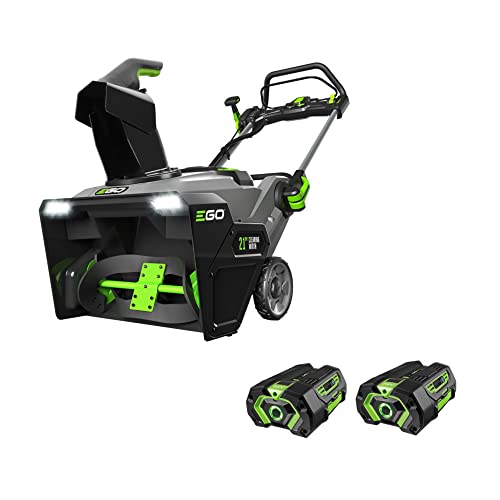
Top Best Cordless Electric Snowblower 2026 - (Latest)

Best Warm Winter Scarves 2026 For Cozy Comfort

Best Green Ski Goggles 2026 For Clear Vision On Slopes
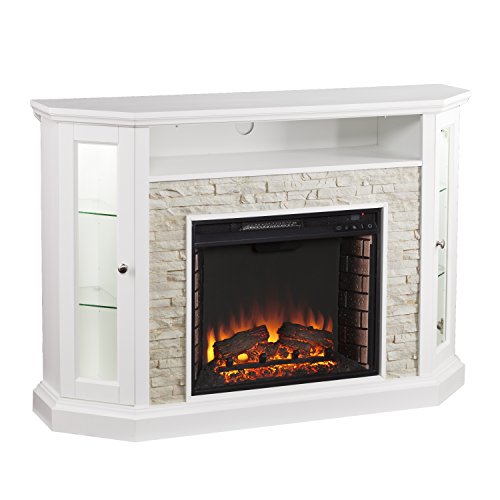
12 Best Corner Electric Fireplace 2026: My Ultimate Guide To Pick One

Best Battery Powered Snow Blower 2026 For Effortless Snow Clearing
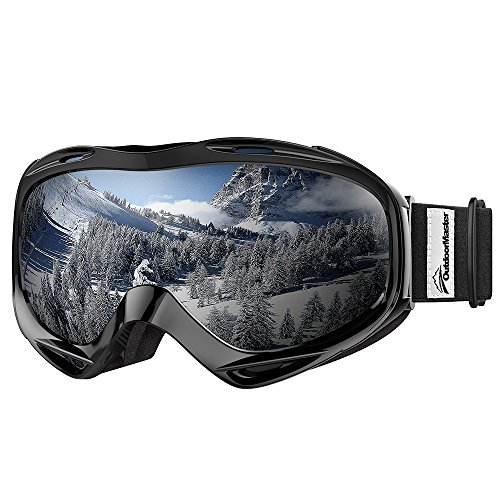
Best Ski Goggles Under 30 Inches For Crisp Vision And Comfort